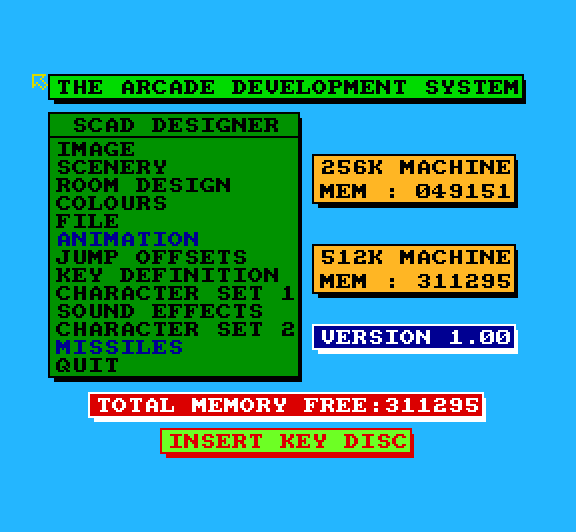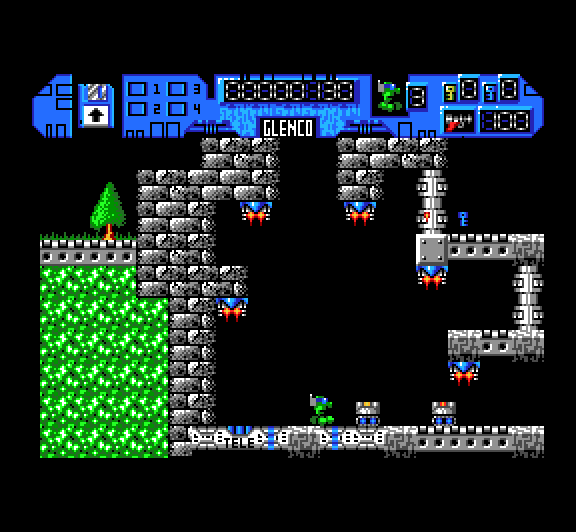
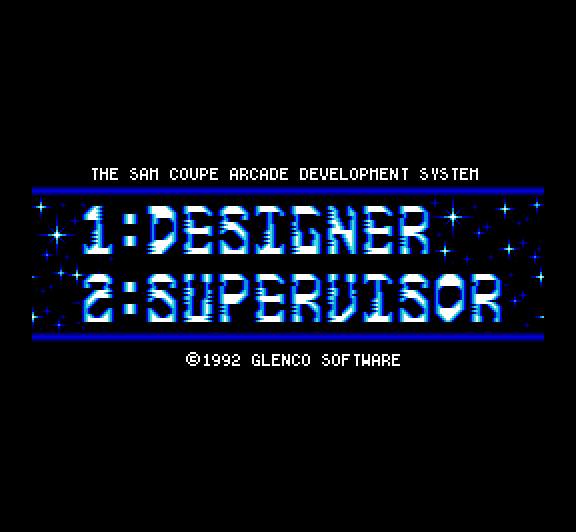
Sam Coupe Arcade Development System (SCADS)
Worked by extending Sam Basic with special tokens to add functionality.
Suffered from speed problems due to the interpreted nature of the code running under the ‘supervisor’ run-time componant but a compiler was supposed to be forthcoming to solve these issues.
Additional Glenco Information
There have not been any changes to the package since the manual was printed, but there are a number of things to tell you.
The demonstration files are all autorun files, that is the demos will run automatically once they have loaded. Make sure you have loaded the Supervisor into memory before trying to run any of the demos.
If you escape from the demonstrations you will see a number of REM statements describing what the demo is trying to achieve and how we have achieved it.
We have made a few very minor alterations to the Supervisor to make it a little easier to use. If you are not running the program and you are in mode 4, pressing function key f1 will alter the screen to mode 3 and reset the palettes. This can be very useful if you can not read the text using the colours selected within the Designer program.
The Supervisor will now automatically switch into graphics mode 4 when the INIT command is issued. This means after editing the program in mode 3, run can run your program while you are still in mode 3, the INIT command, which should be at the start of your program, will switch the computer into mode 4.
The Supervisor will automatically switch the colours back on if there is an error, this can be useful if you have issued an INKBLACK command. The EDIT cursor will move to the line in which the error occurred. Pressing the EDIT key directely after an error, will allow you to edit the faulty line.
You may find that, whilst using the Supervisor, the f0 function key does not print the SCADs block character. To overcome this problem, press the SHIFT and COPY keys at the same time. The f0 key should now print the SCADs block character.
One important item which was left out of the manual, is the SAVE command. You should not try to save anything within your programs. You may save once the program has stopped running. This is because the SAVE command uses a block of memory used by the Supervisor to store the sprites positions.
If you write a program with a large number of BASIC statements within the main loop, then SCADs will slow down. This is because BASIC is relatively slow, in comparison to the speed at which SCADs operates. This is not a critisism of Sam BASIC, as Sam BASIC is very fast but not as fast as SCADs. In order to improve the speed of SCADs you will need to compile the BASIC.
We are currently working on the SCADs compiler. Initial testing of the compiler shows that it will allow your programs to run up to 16 yes, 16, times faster than normal.