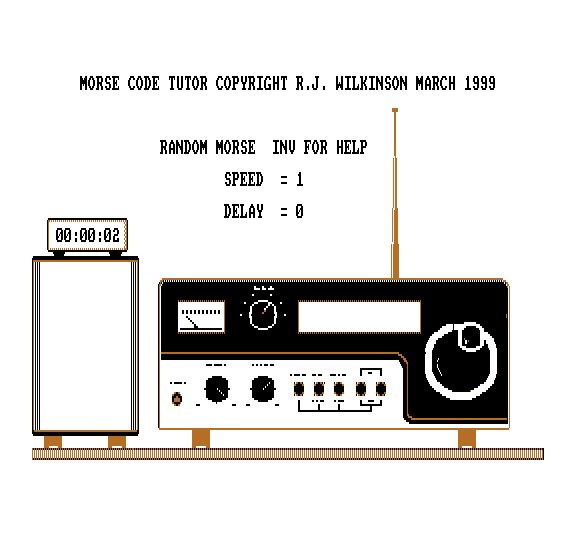
Morse Code tutor
Pressing any key on the keyboard from A to Z, 1 to 0 or .,? will sound the appropriate character in morse.
The morse will be at the speed that was set from the Random mode
A = Input mode. Select the characters that you want sent. I = Input a message to send. R = Repeat the message from I. Q = Quit to basic.
K = Enter keyboard mode. T = Reset the tone and octave values to their default values. Y = Show the characters that will be sent at Random C = Reset tutor back to start X = Set the clock B = Stop the clock F8 = Increase Tone. F5 = decrease tone. F6 = Increase Octave F4 = Decrease Octave
Keys 1 to 9 = Change the sending speed. Cursor left/right = Change the thinking time pause. Space bar = Pause Return to continue