
DALLAS Utilities
Description
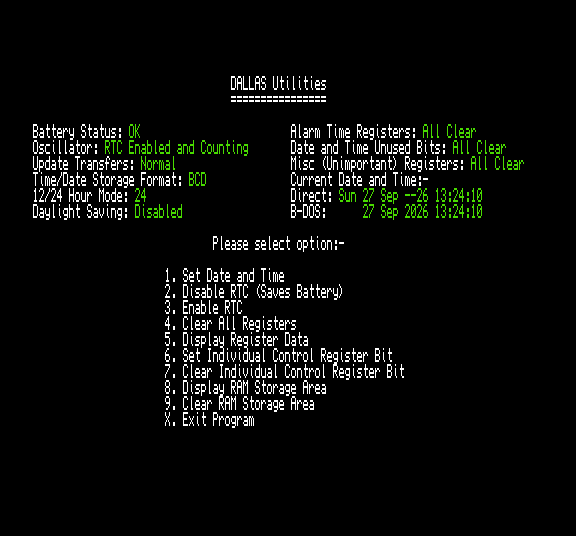
Alternative utility for setting the date and time on a DALLAS RTC as found on the ATOM-Lite or a standalone Dallas Clock. Also allows access to the many registers and 114 bytes of onboard NVRAM.
Screenshots
Instructions
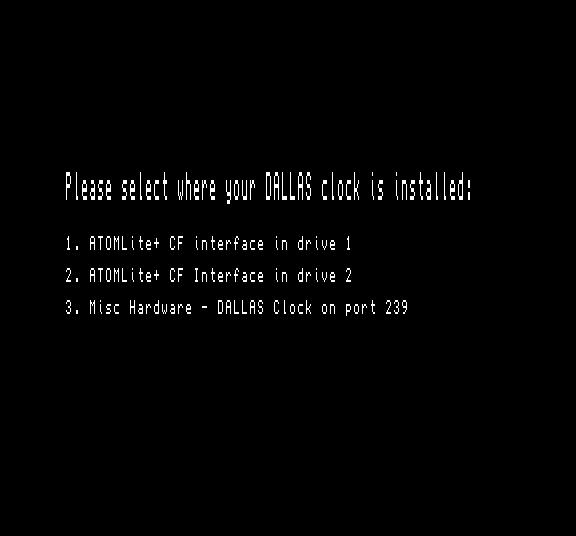
When booted it will ask the user to select where the DALLAS clock is installed either on an ATOM-Lite in drive 1 or 2, or on some other hardware where it responds to port 239.
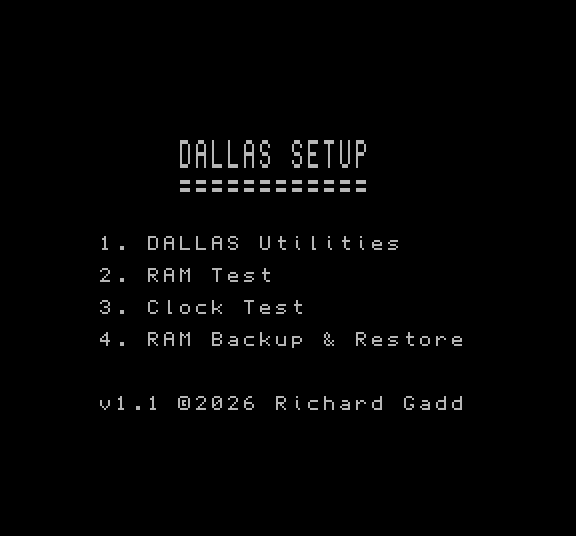
The next menu offers the choice of loading the main utility suite, to load test suites to perform soak testing of the clock and NVRAM or to backup/restore the contents of the NVRAM.
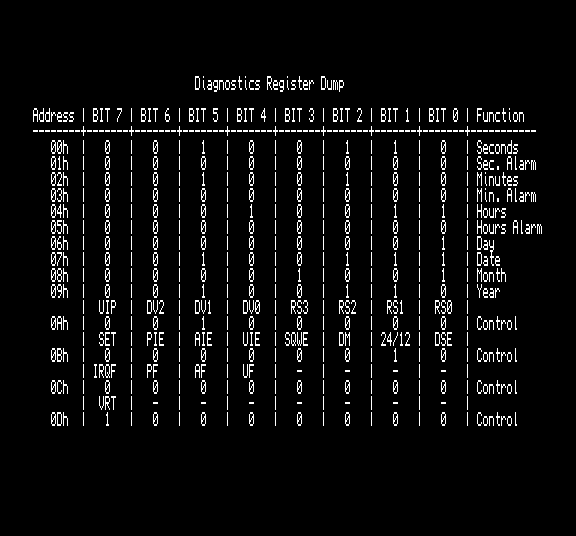
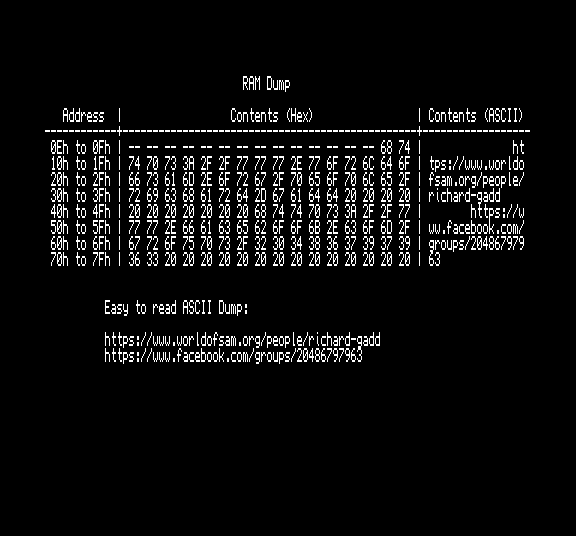
The main utility suite allows the date and time to be set, and reports the status of the registers associated with the date and time settings. If everything is OK they will be green or red indicates a problem. You can also enable and disable the clock (to save the battery if you are not going to be using the computer for a while), display the state of the RTC registers, clear or set individual bits of the RTC registers, clear the 114 bytes of NVRAM to zero or view the contents of the NVRAM.
The two test options constantly interrogate/read the clock or the NVRAM for as long as you desire (hold space to exit) reporting any failures and (if any) what the last failure was. The NVRAM test is disabled by default so that you do not accidentally wipe the contents of the NVRAM and there are instructions included on how to enable writing and reading of the test pattern.
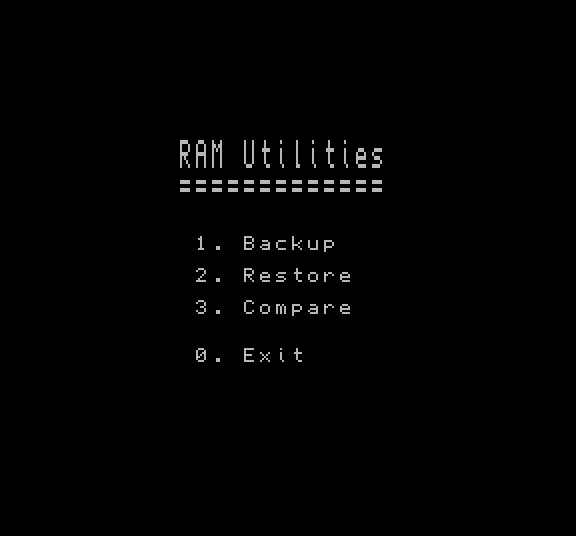
The backup and restore options allow the 114 bytes of NVRAM to be backed up to and restored from a file. There is also a compare option to check whether a back-up file matches the current contents.
Trivia
The only known program to use the NVRAM is Defender which stores the all time greatest high scores and keyboard controls.
Tips
There are many registers that maybe of interest to the curious and these are all detailed in the data sheet which can be found in the download section.